Tome
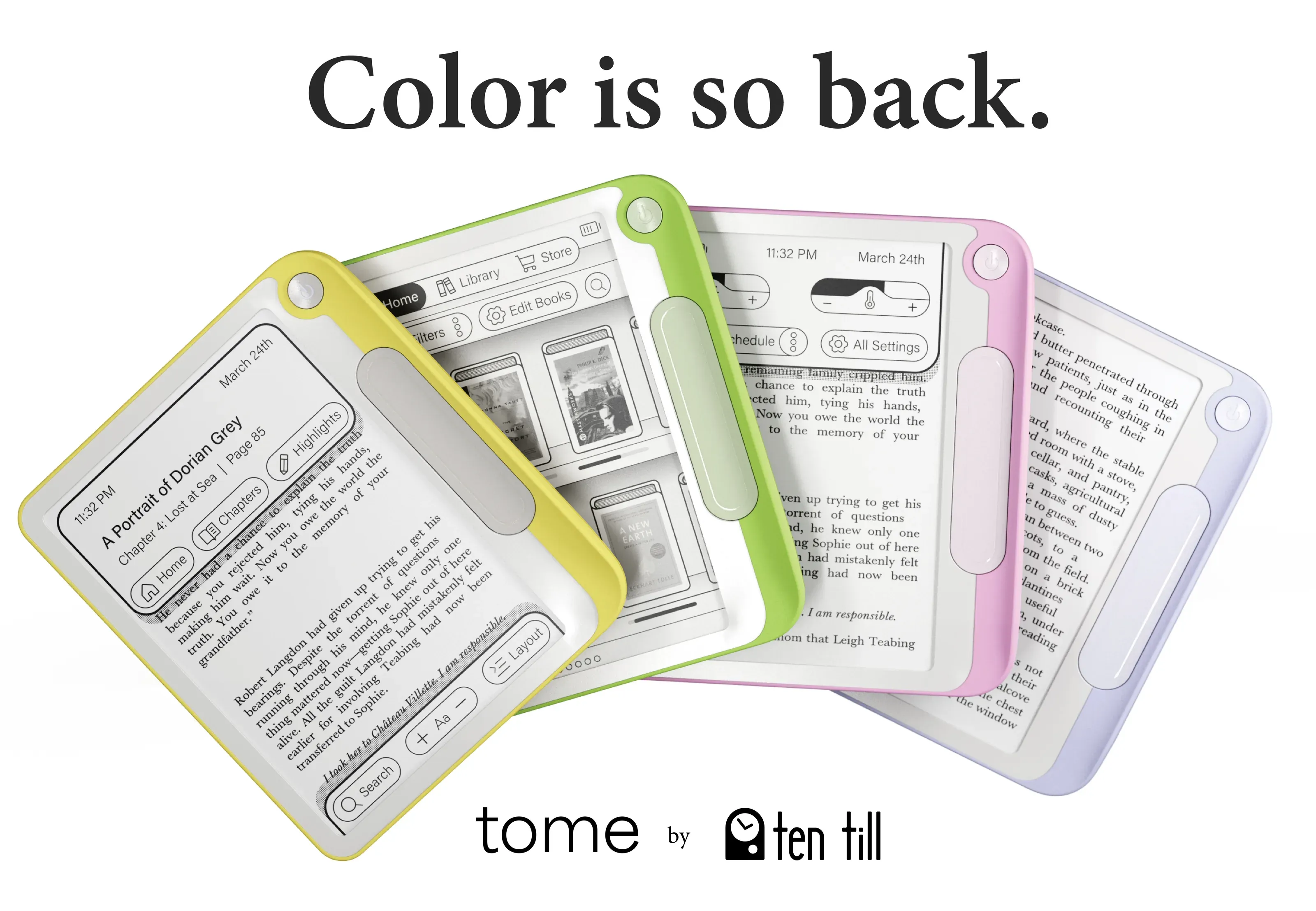
the brief
Design an e-reader that makes the reading experience more personalized.
research
user interviews
“You can change the Kindle text size with a pinch?”
“I bought a kindle so I can read books in the dyslexic font”
“My iPad removed my book annotations”
“I like my Kobo because I can put books on it easier”
“I mis-swipe on my Kindle all the time”
what’s working
- Pro: Preferred e ink to screens for reading
- Pro: Users enjoy the small size and large storage
- Pro: 1.5 hour sessions on average
- Pro: Many users love the device
what’s not…
- Con: Screen refresh feels “blocky”
- Con: Interface is confusing for new and experienced users
- Con: Essential features being activated different ways
- Con: Many features left untouched
persona: alex
- Junior in high school
- BookTok enthusiast
- Reads primarily for fun
- Eco conscious

opportunity space
- Mid price point
- Tactile experience
- Focus on whimsy
- More customization
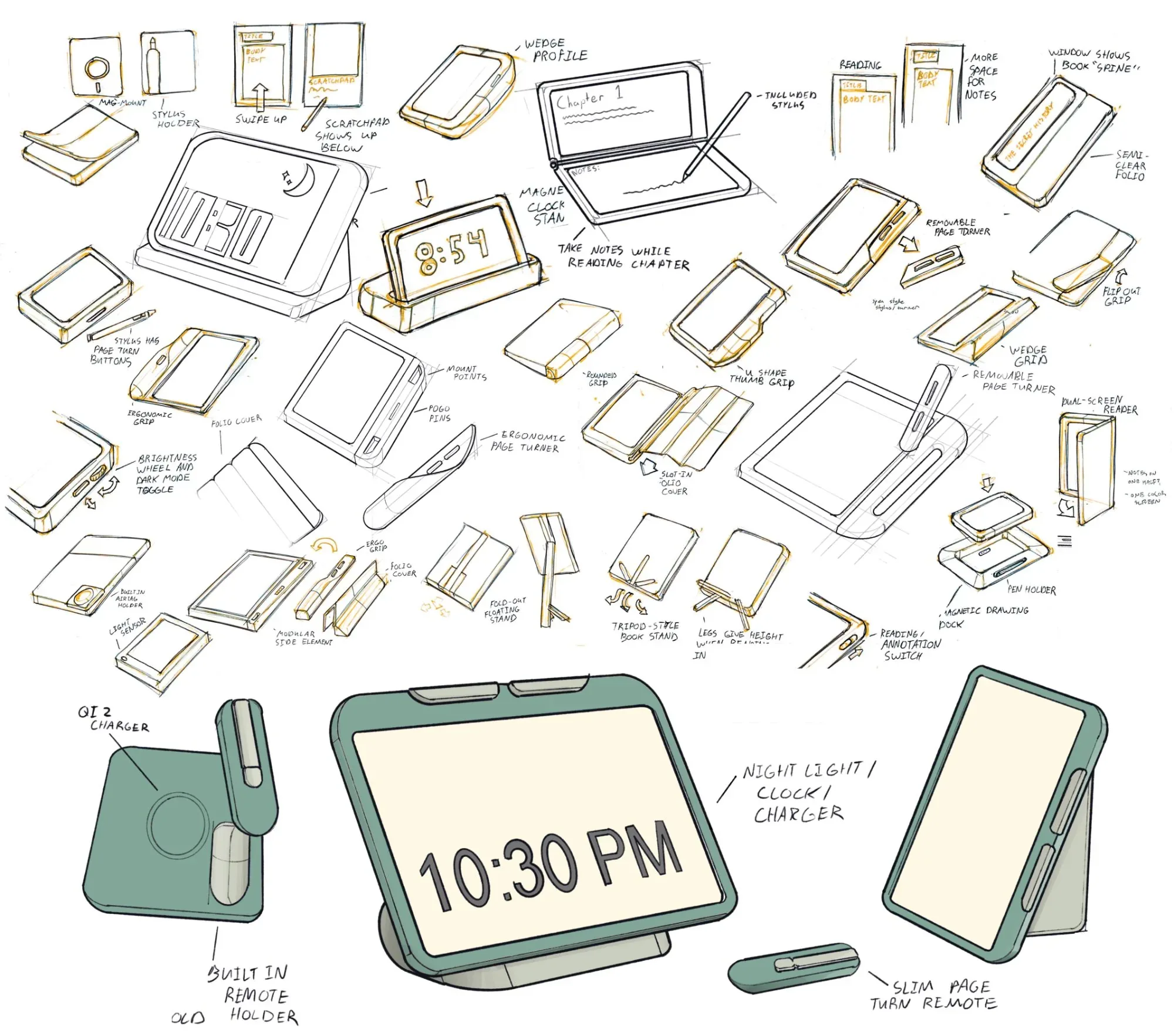
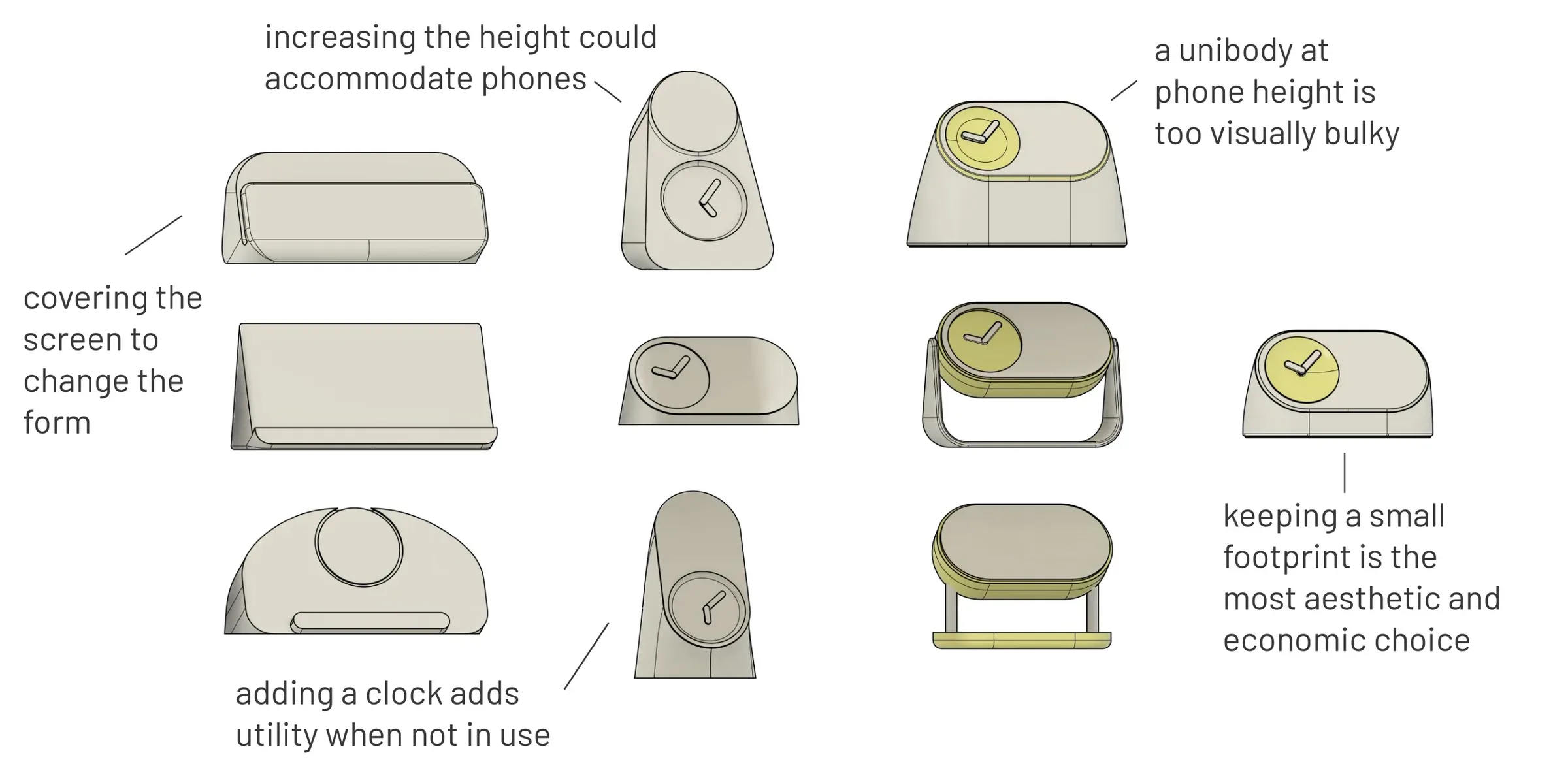
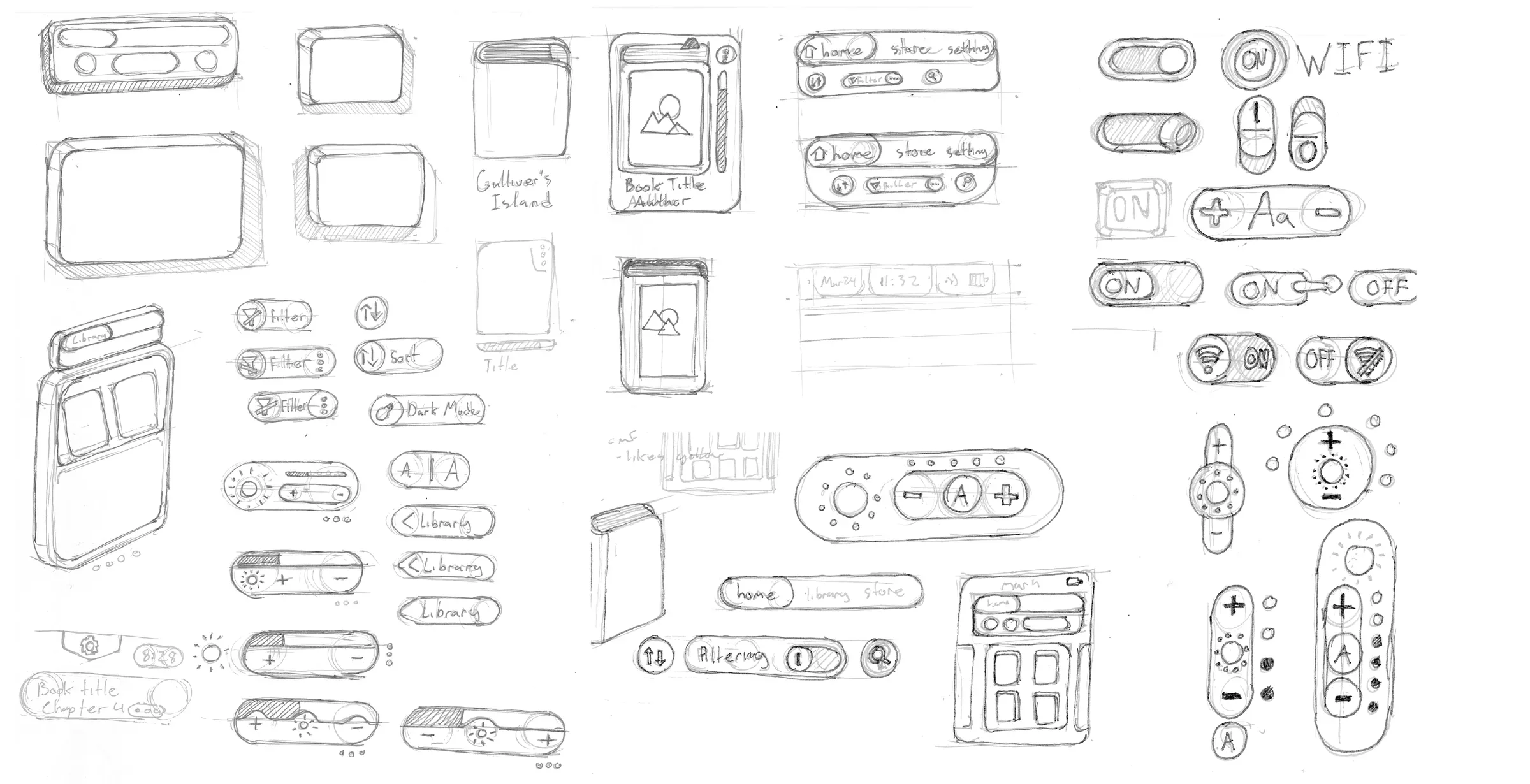
hardware ideation
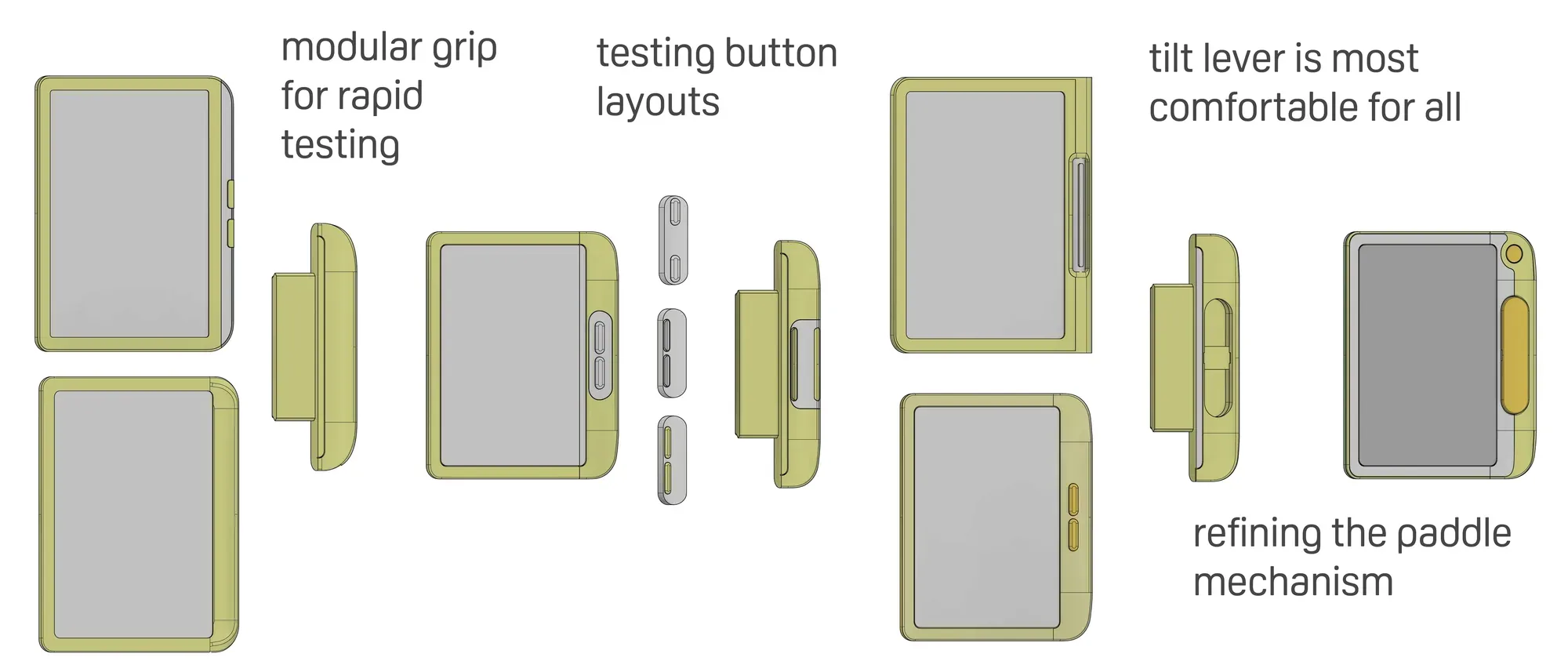
cad development
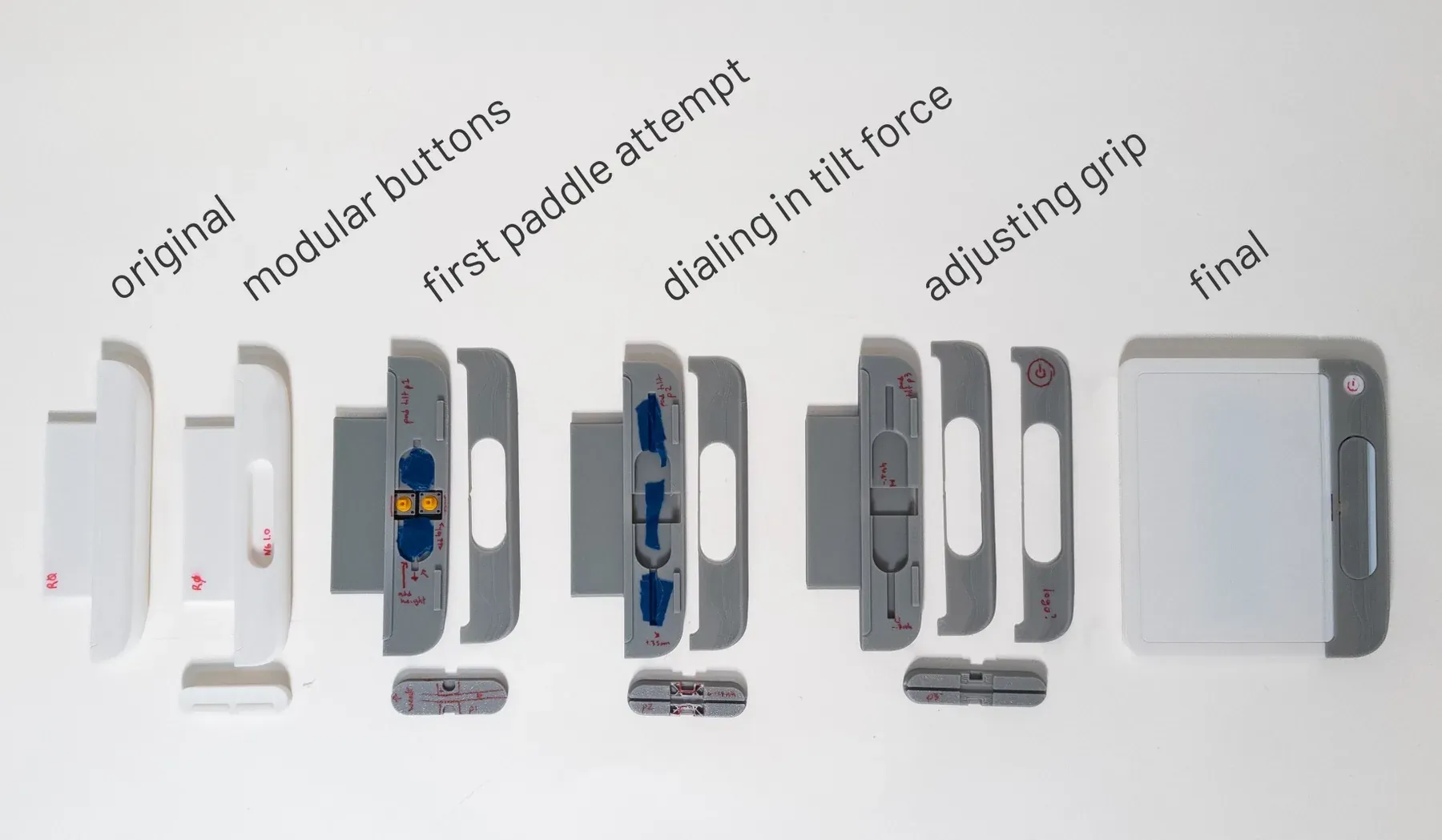
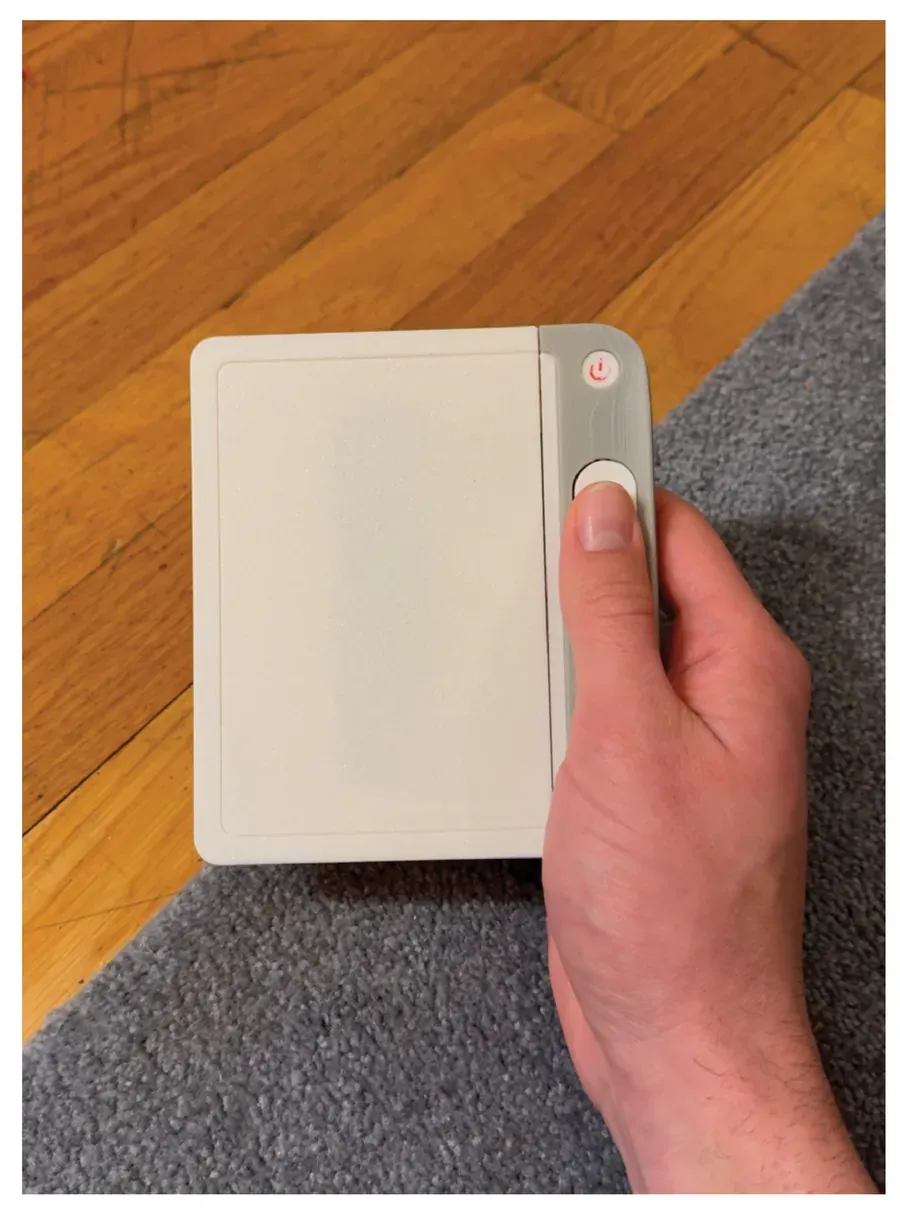
physical model
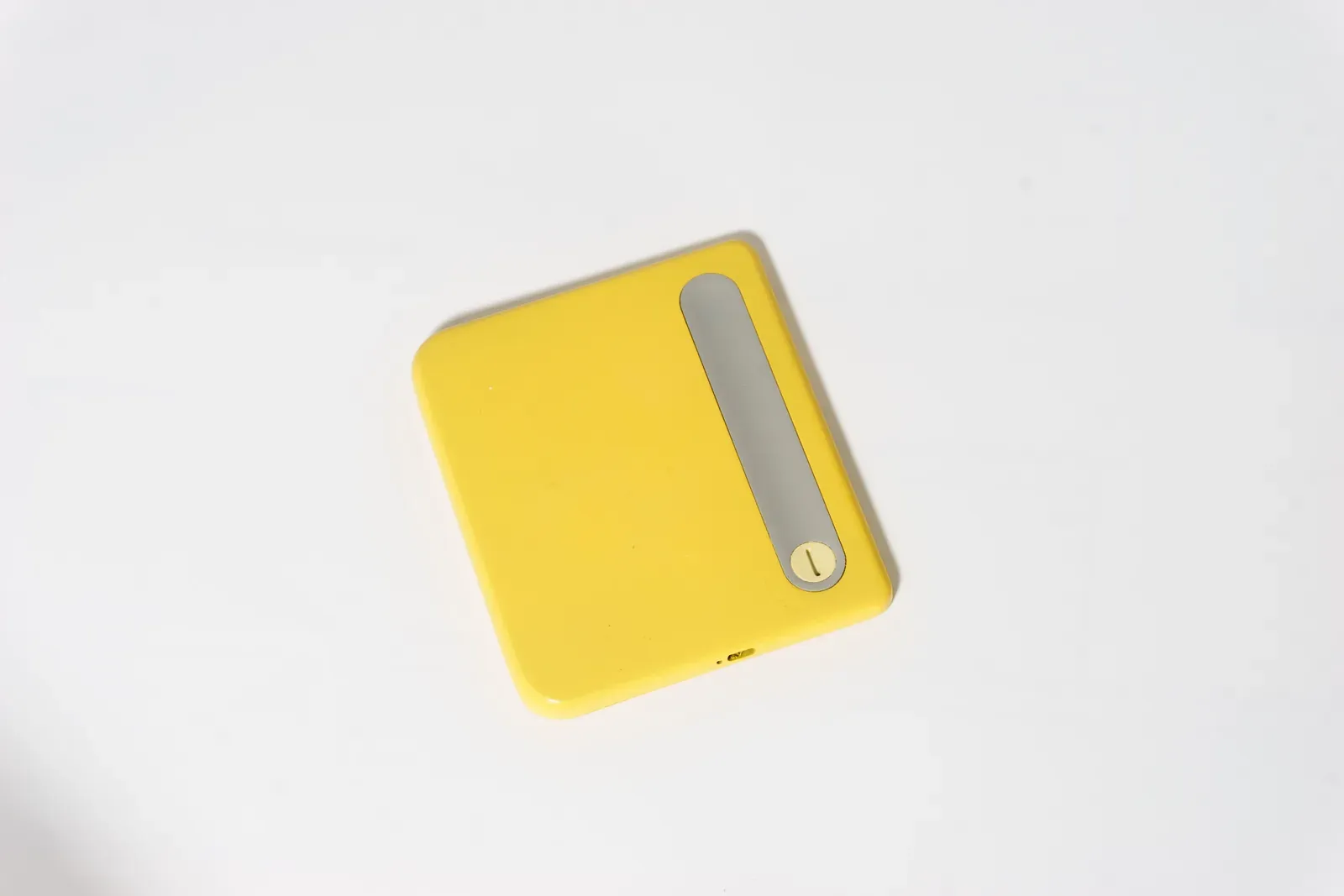
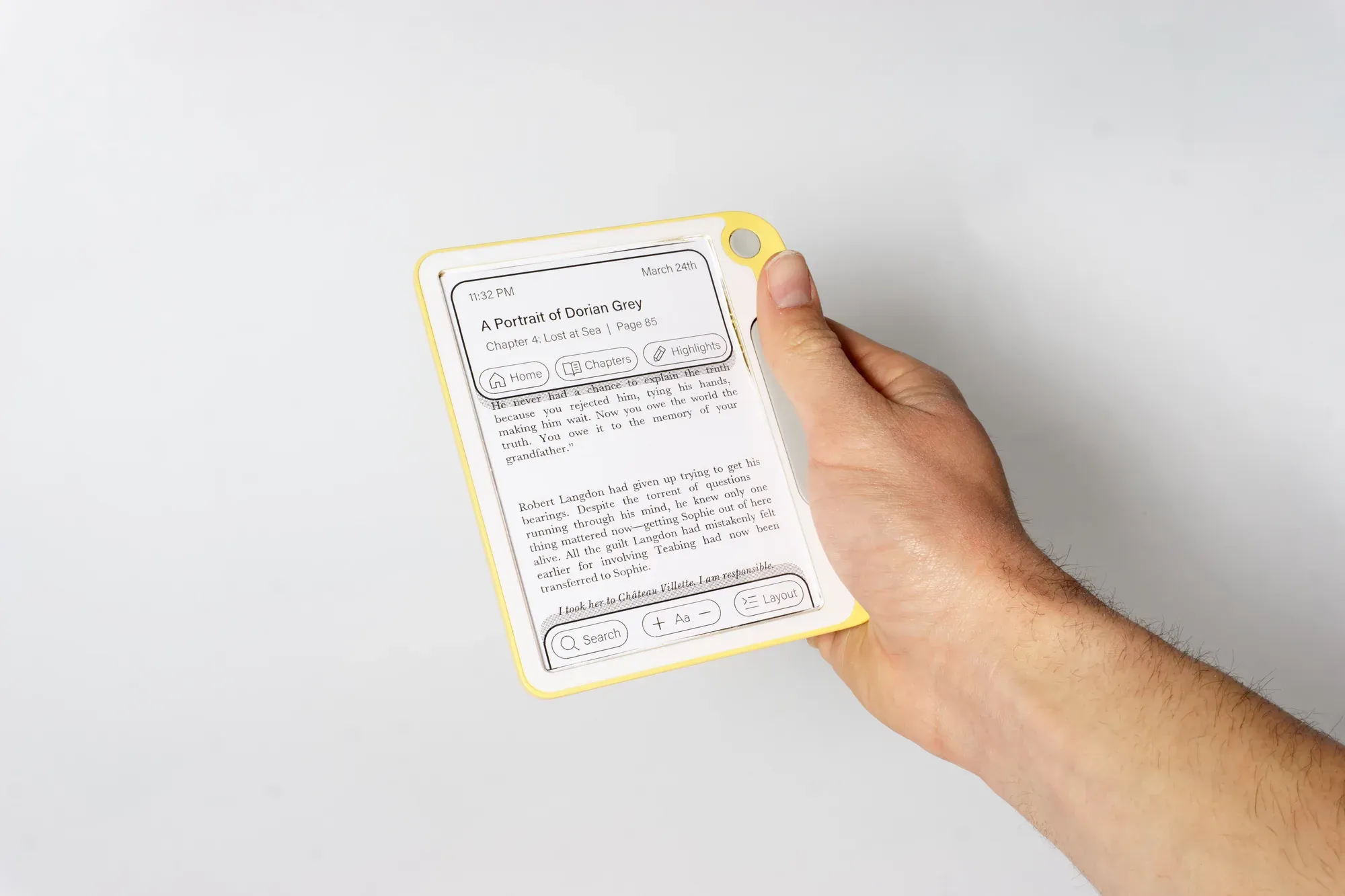
software ideation
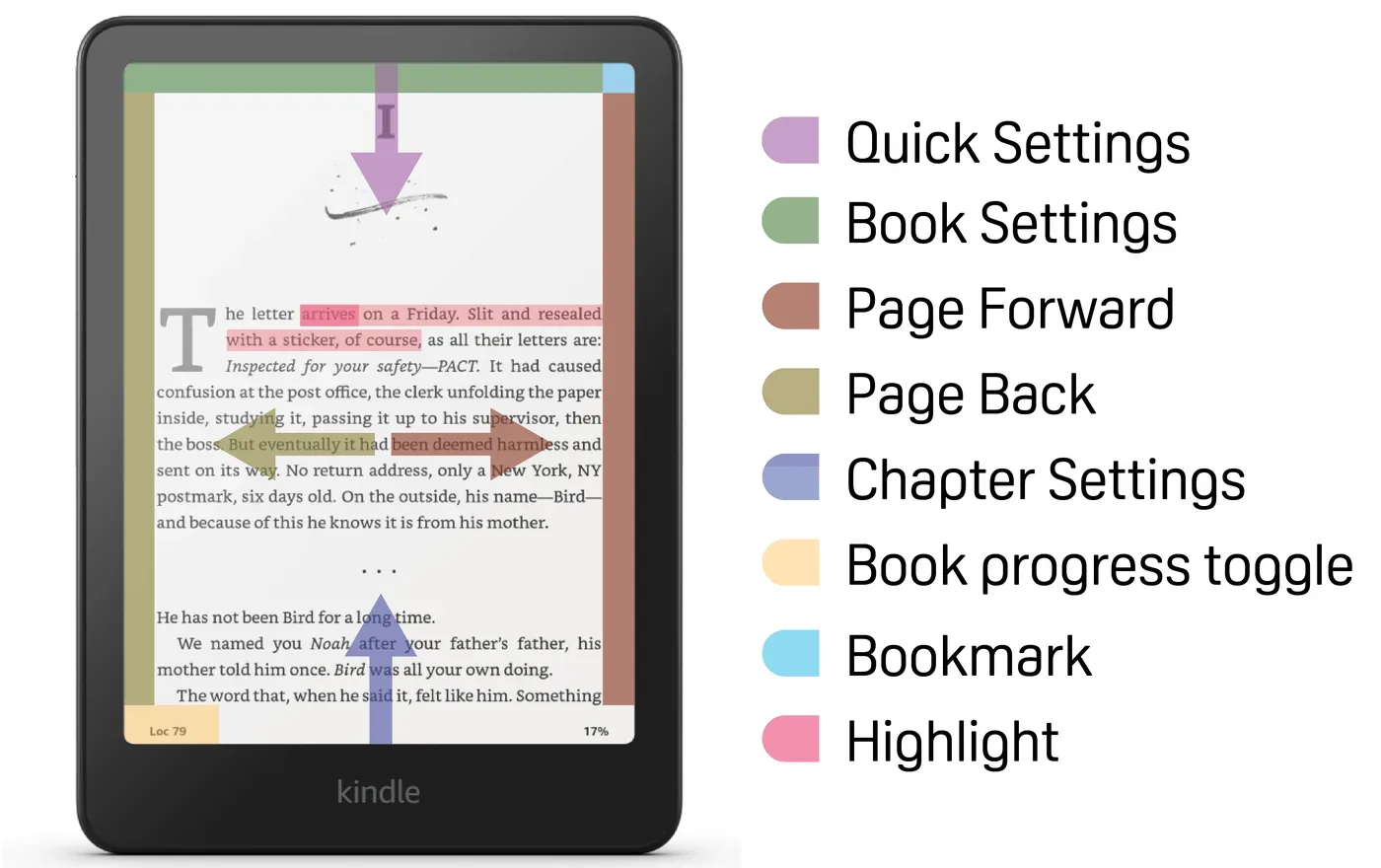
kindle reading screen audit
Overlapping gestures frequently lead to accidental or incorrect input.
Smartphone style gestures break down due to low refresh rate.
remapping menu items by use frequency
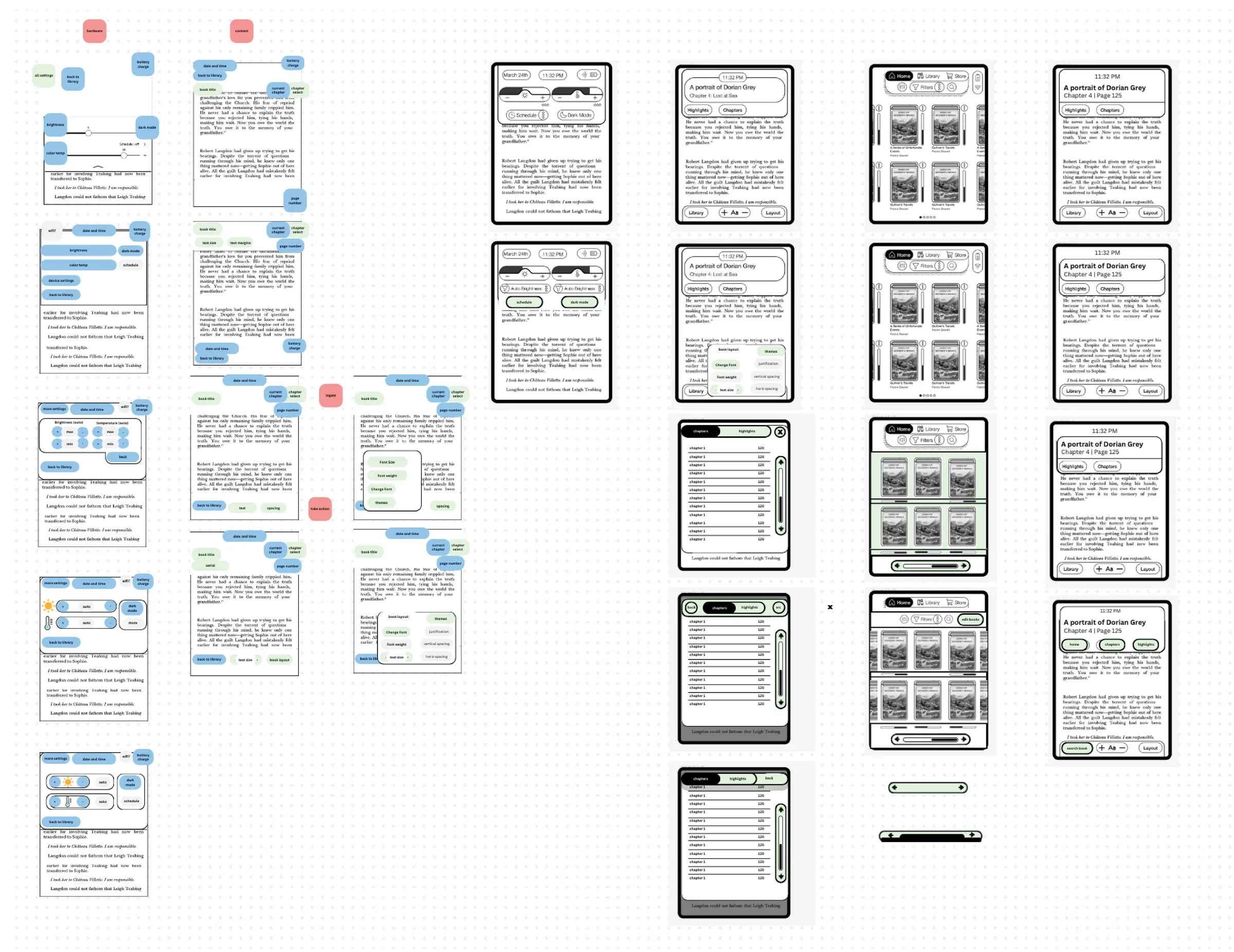
detail refinement
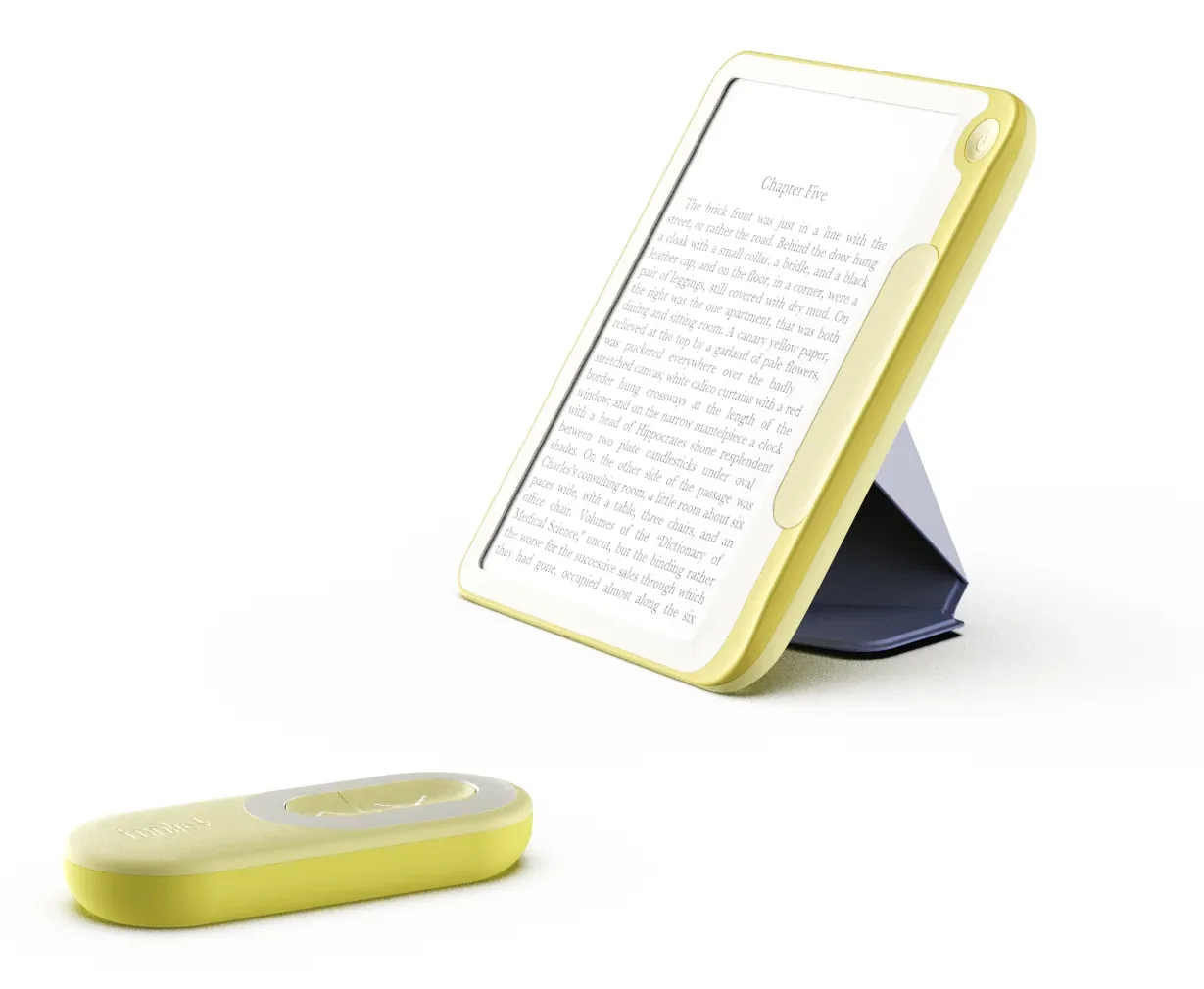
final product
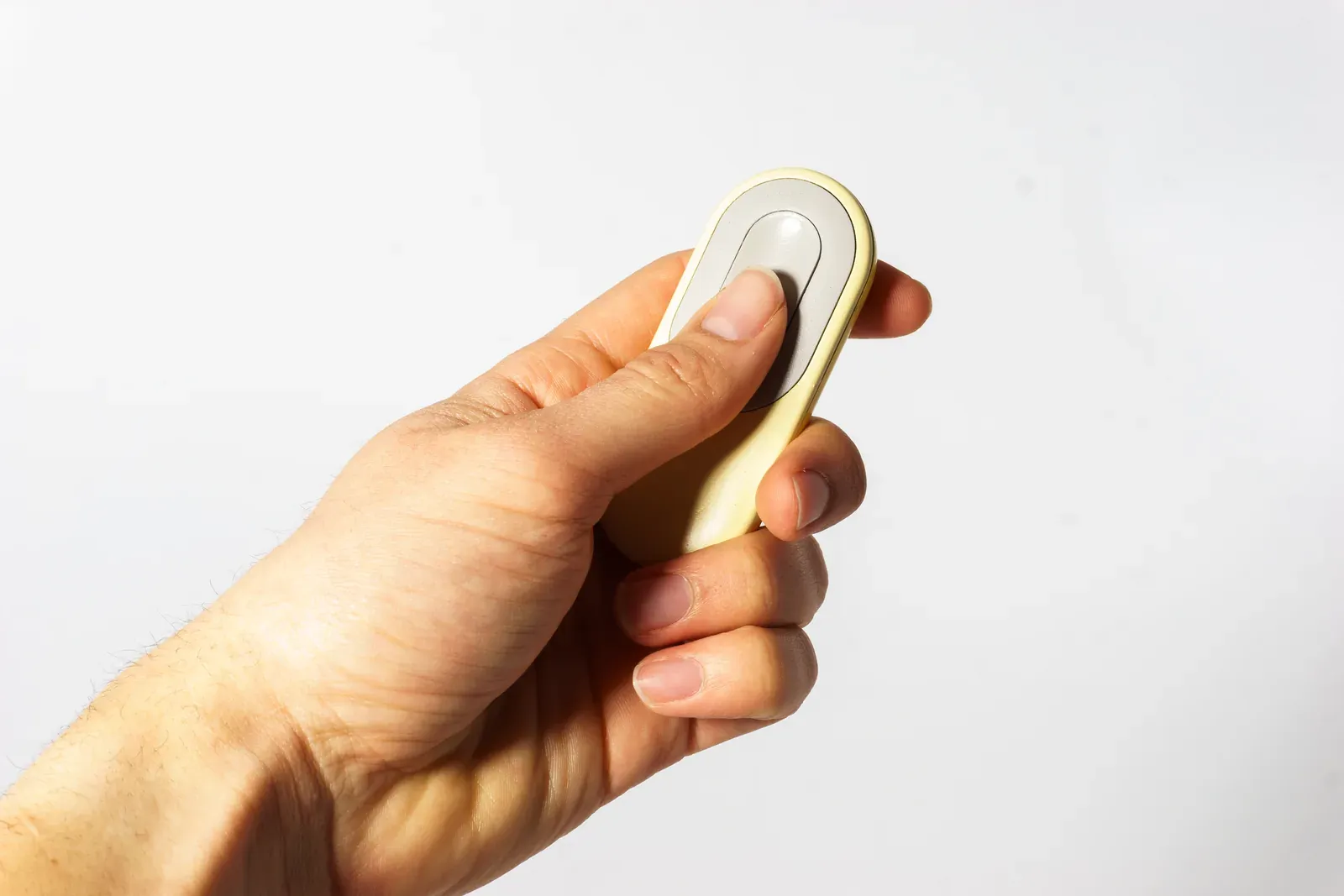
Comfortable for all hands, even lefties.

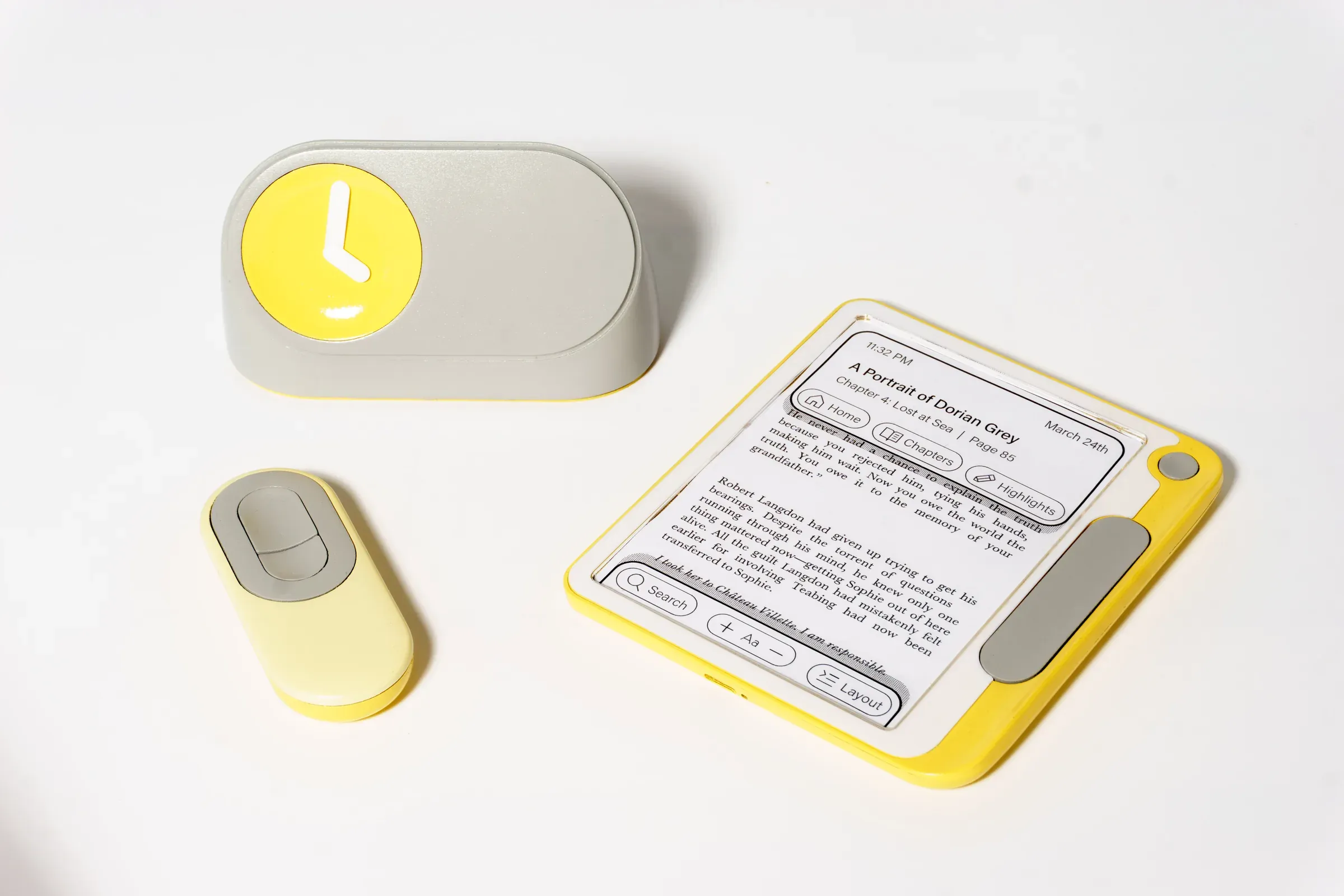
Greater than the sum of its parts.
Pair the folio and remote for ultimate comfort.
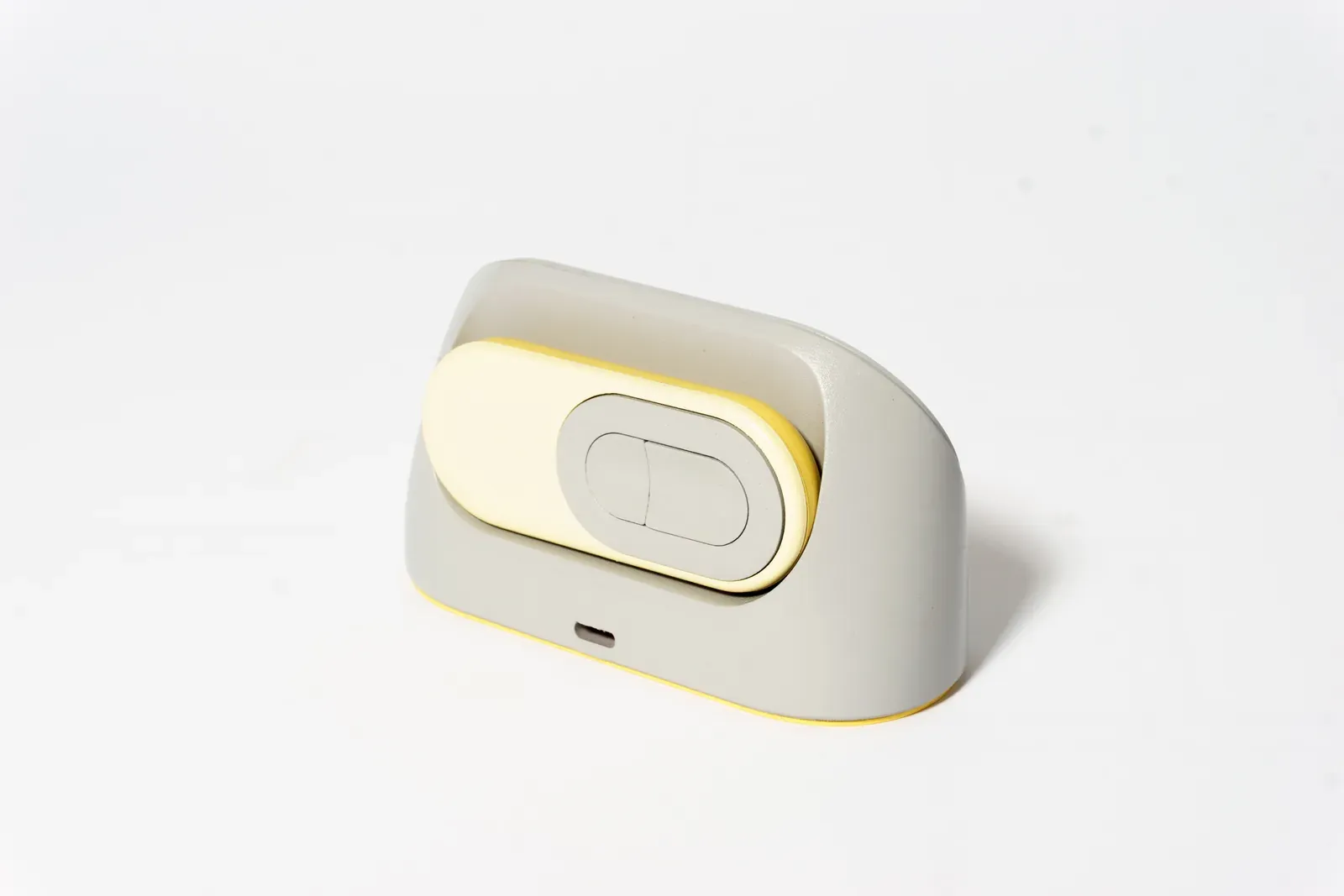
A charger you’ll want to show off.
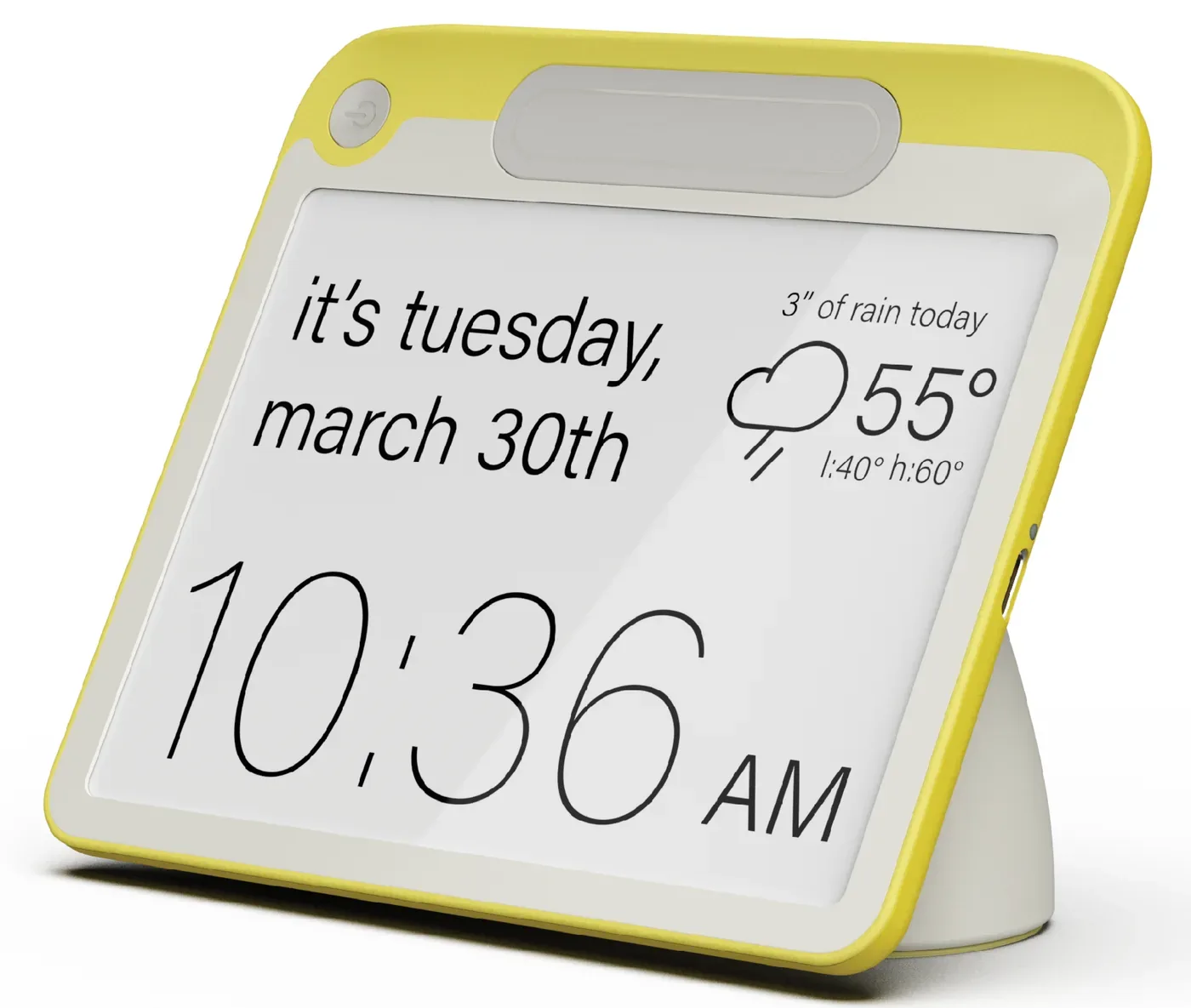
When not in use, tome’s charger doubles as a clock
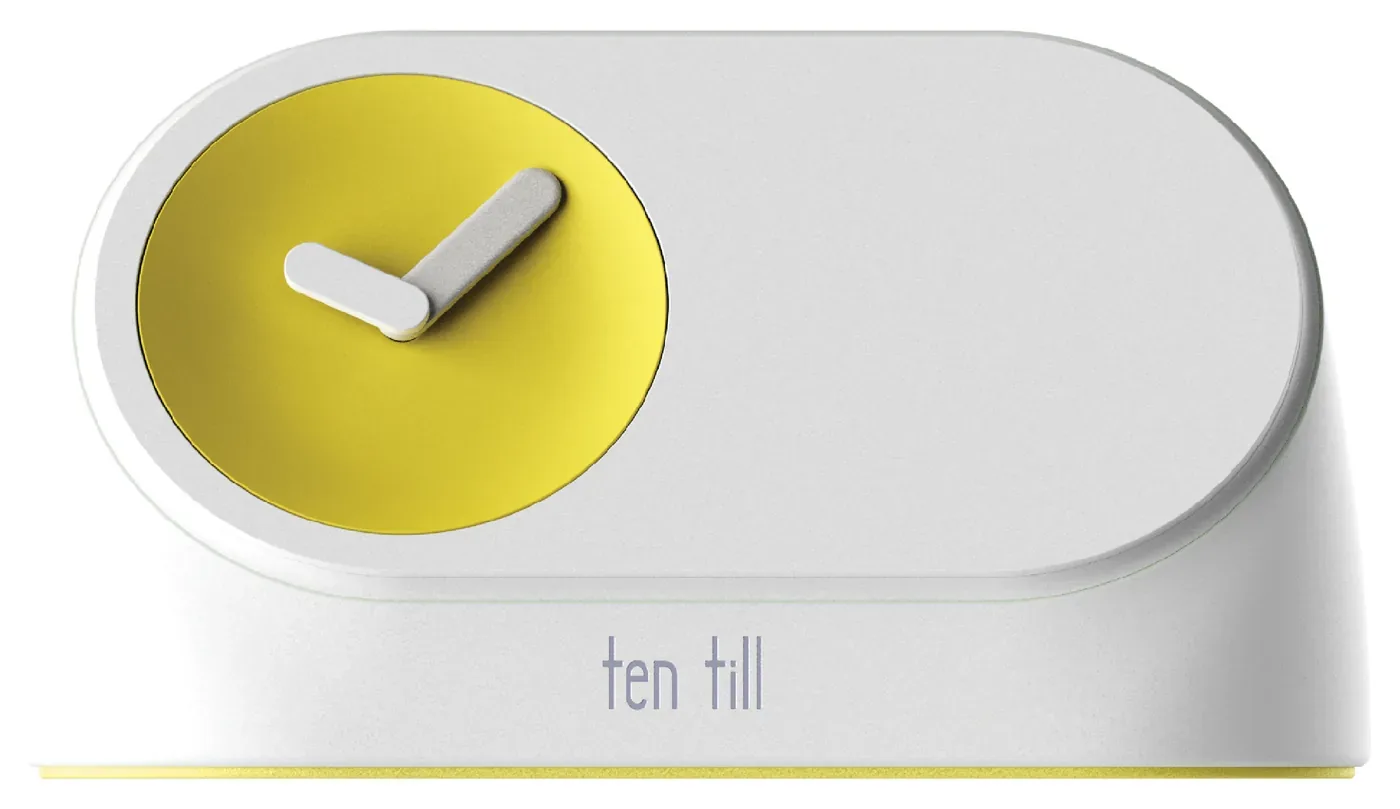
Information at a glance.
When docked on its charger, tome turns into a standby clock that you can customize to show just about anything, from weather, to your favorite works of art.
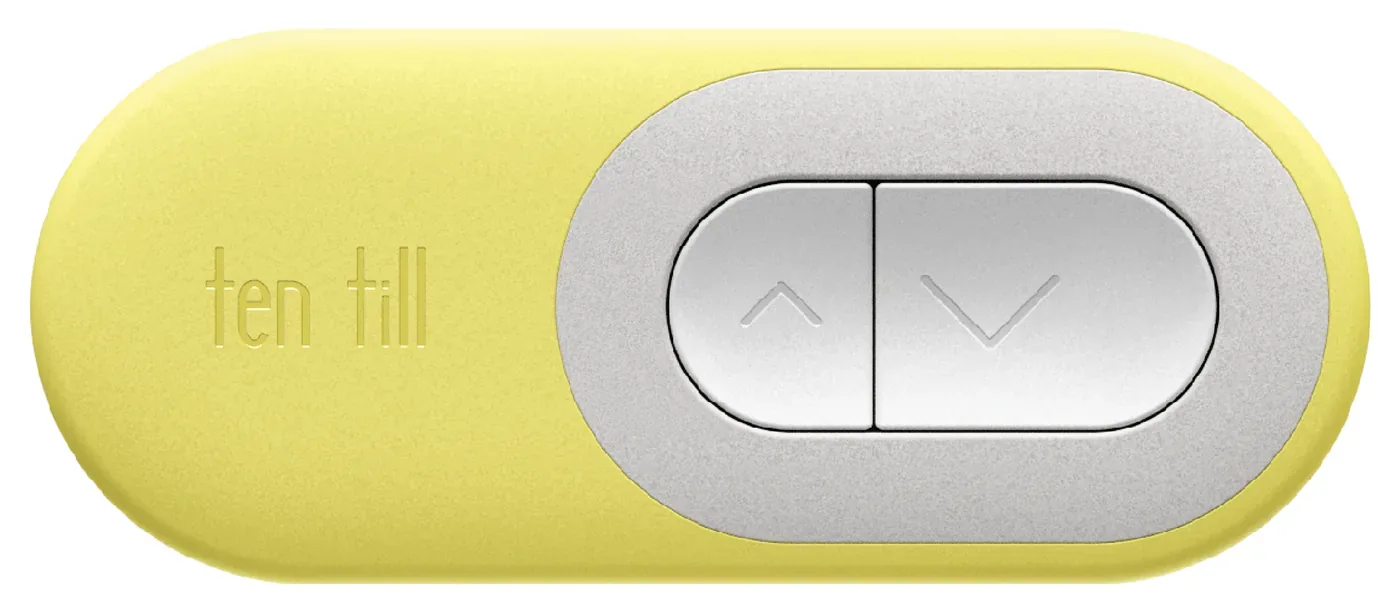
Flexible by design.
tome has an optional page turn remote, so you can read without even holding your book
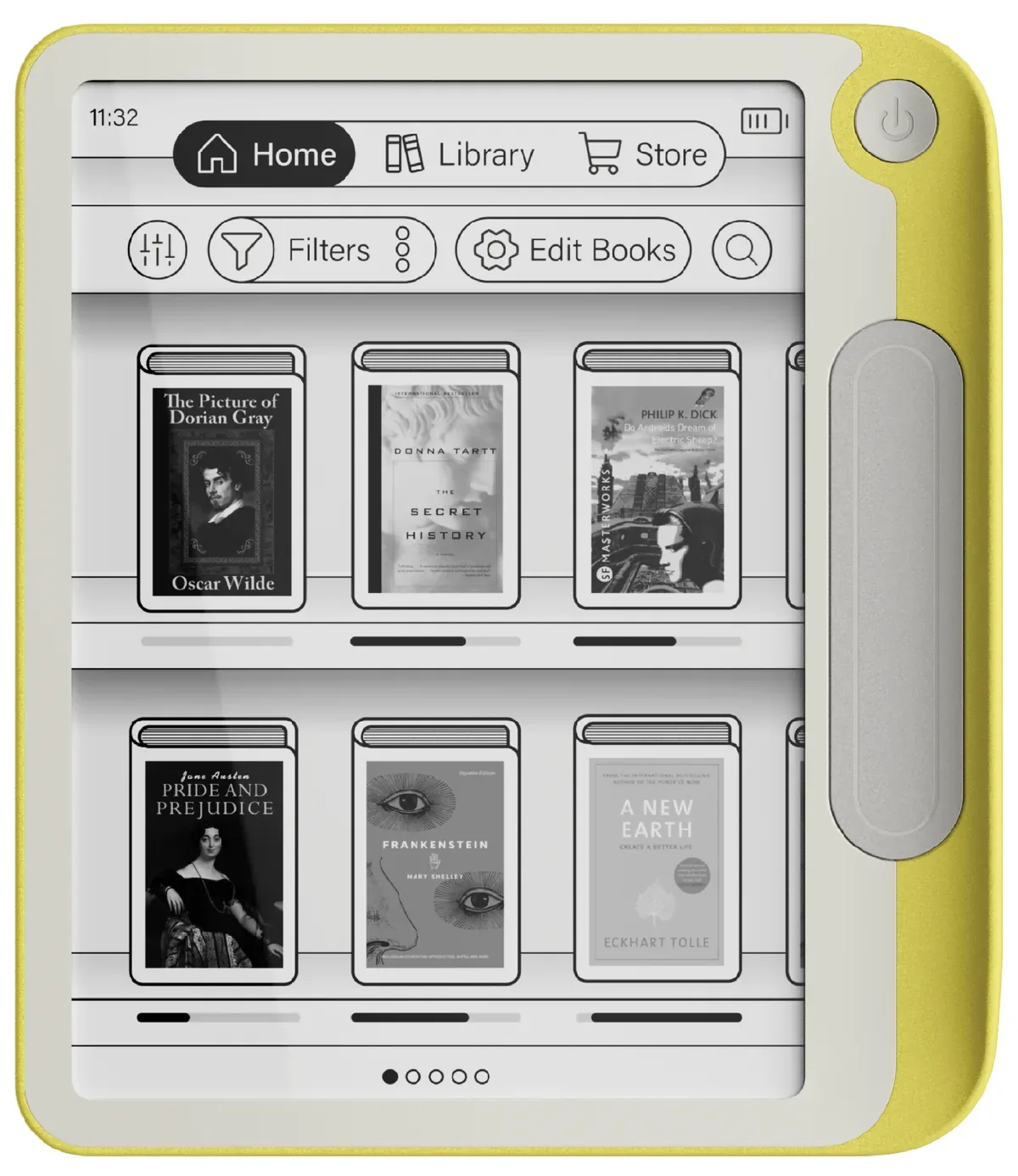
Meet Volume OS
A sight for sore eyes.
The library menu keeps everything tidy for you while still being at your fingertips
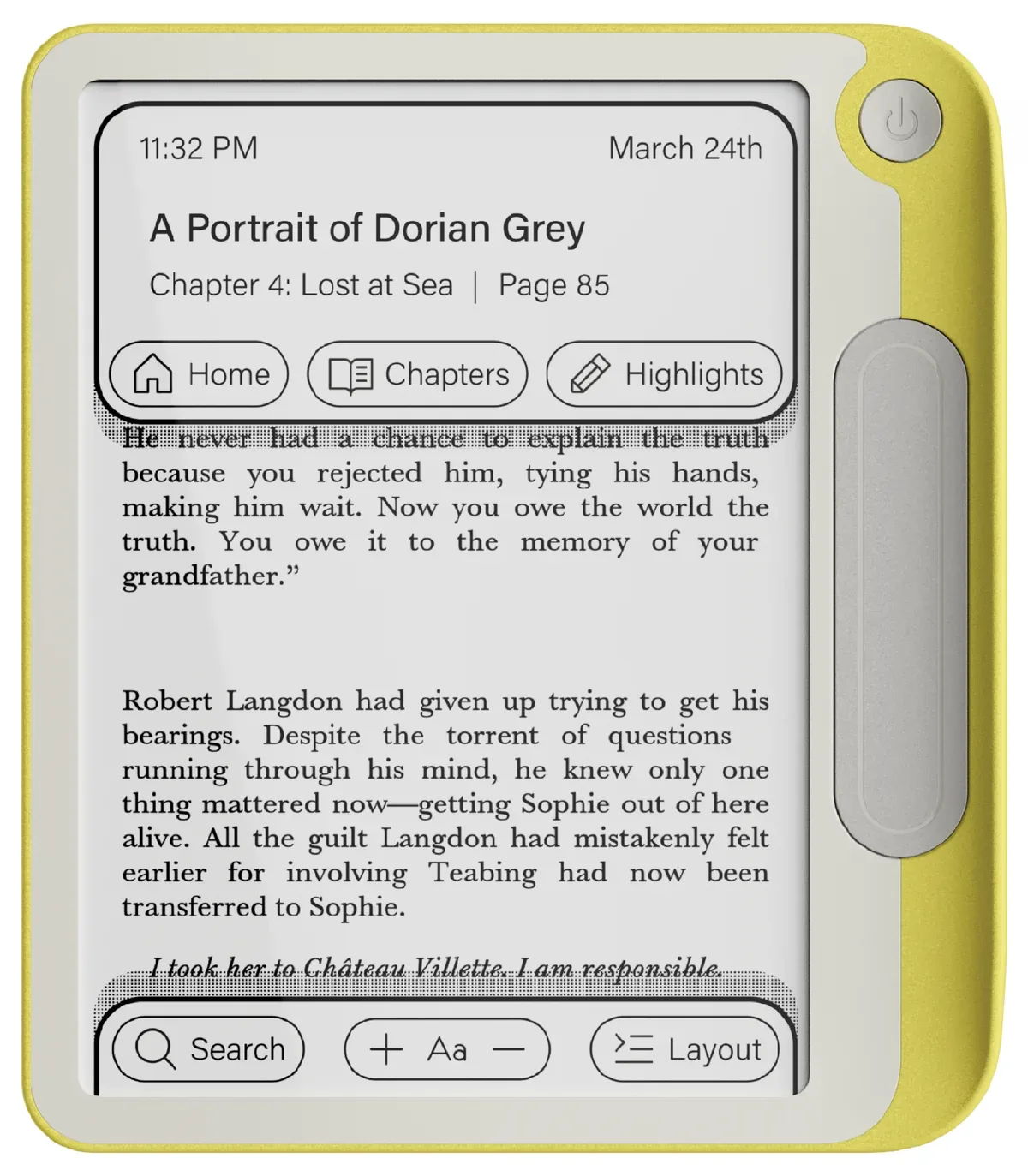
Looking for something?
The pause menu allows you to check the time or your reading progress without distraction.
Settings that set themselves.
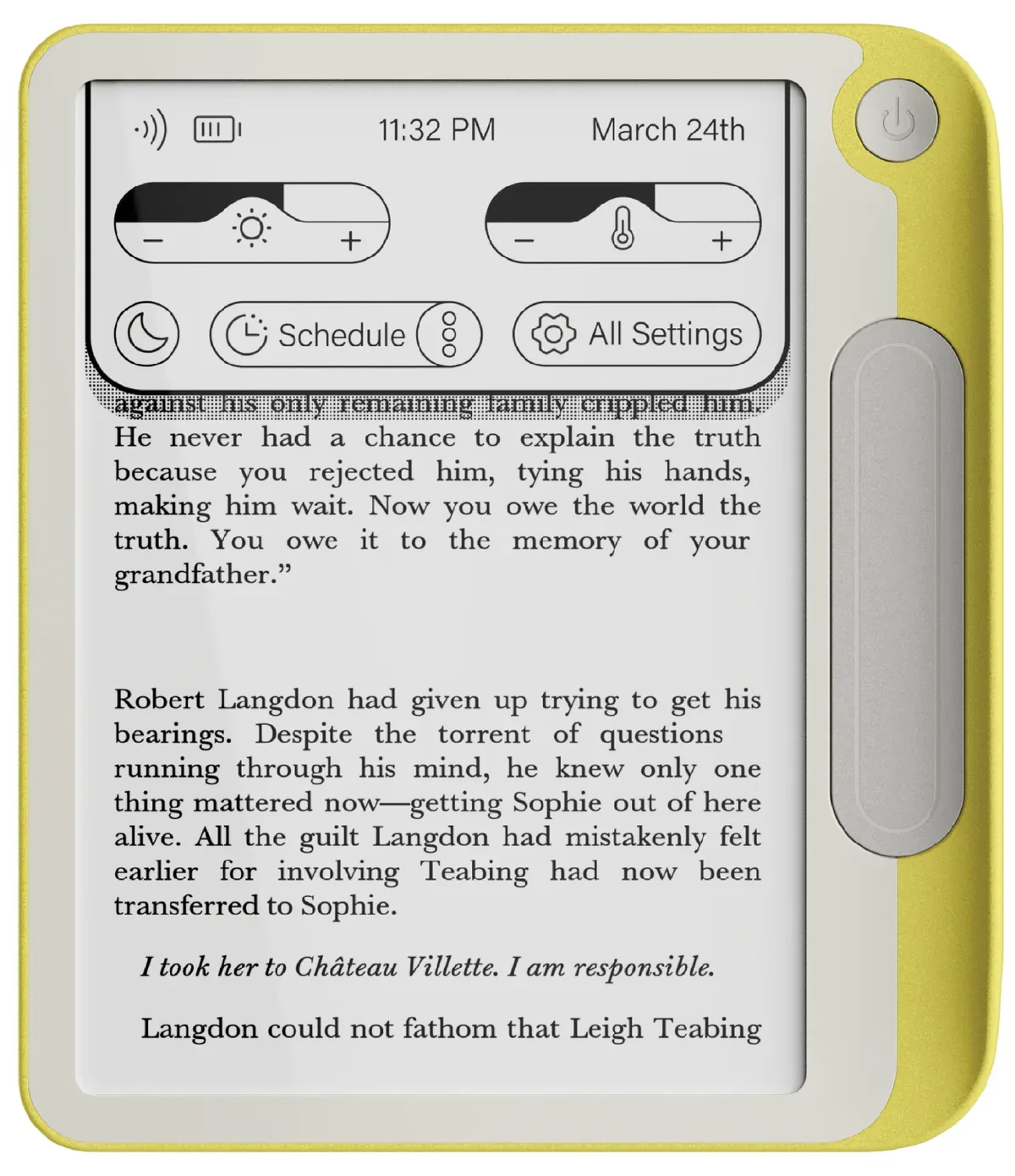
The quick menu allows for easy adjustment to brightness and color temperature, as well as an automatic mode that adapts to your environment.
-
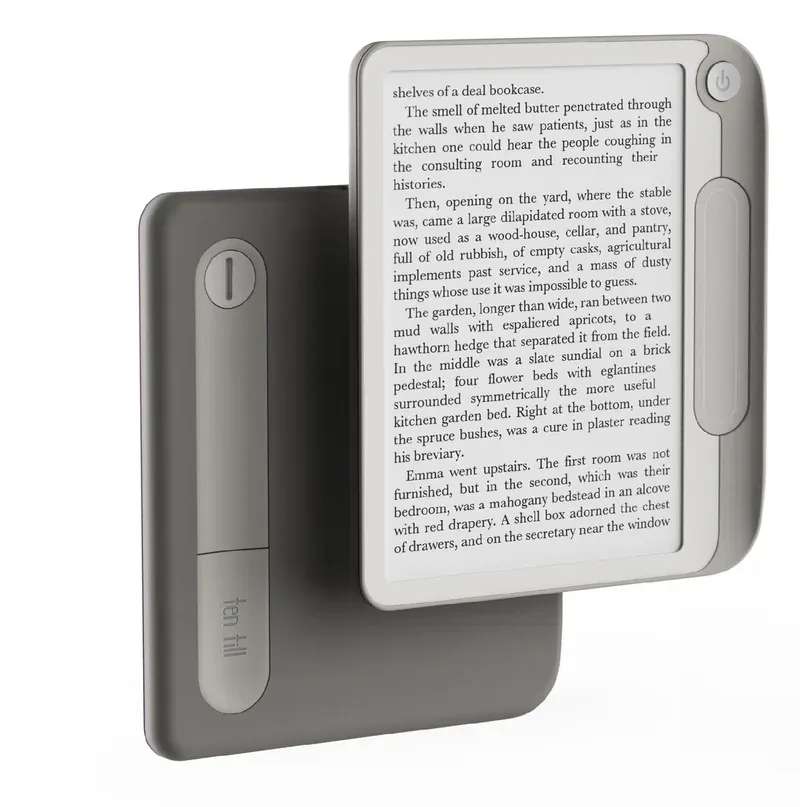 stone
-
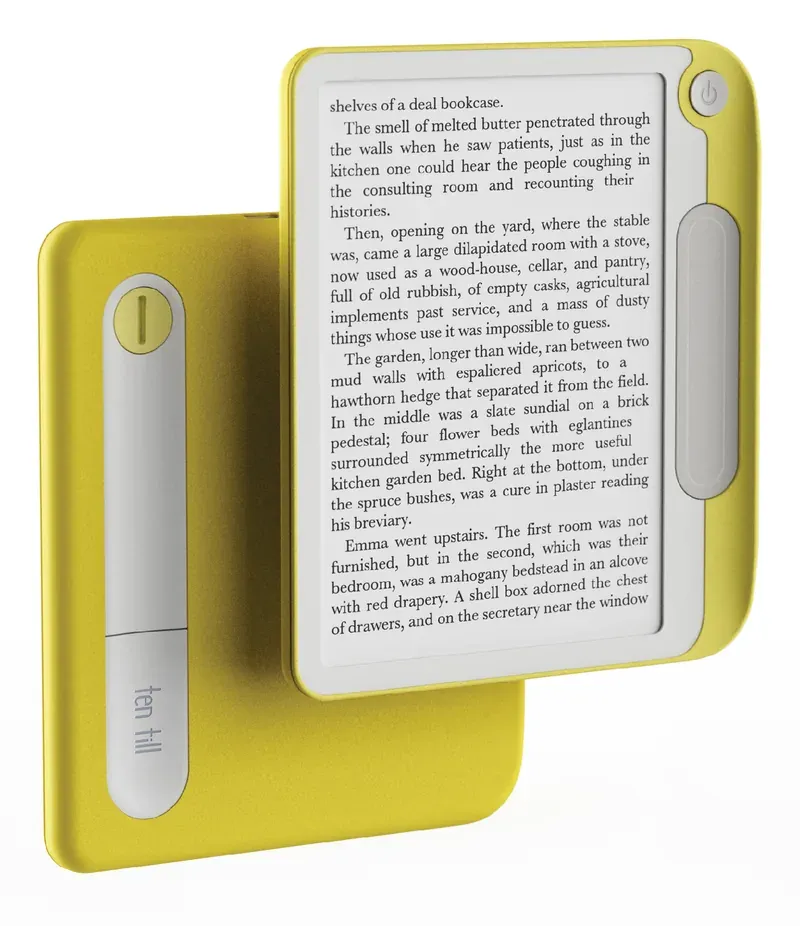 lemon
-
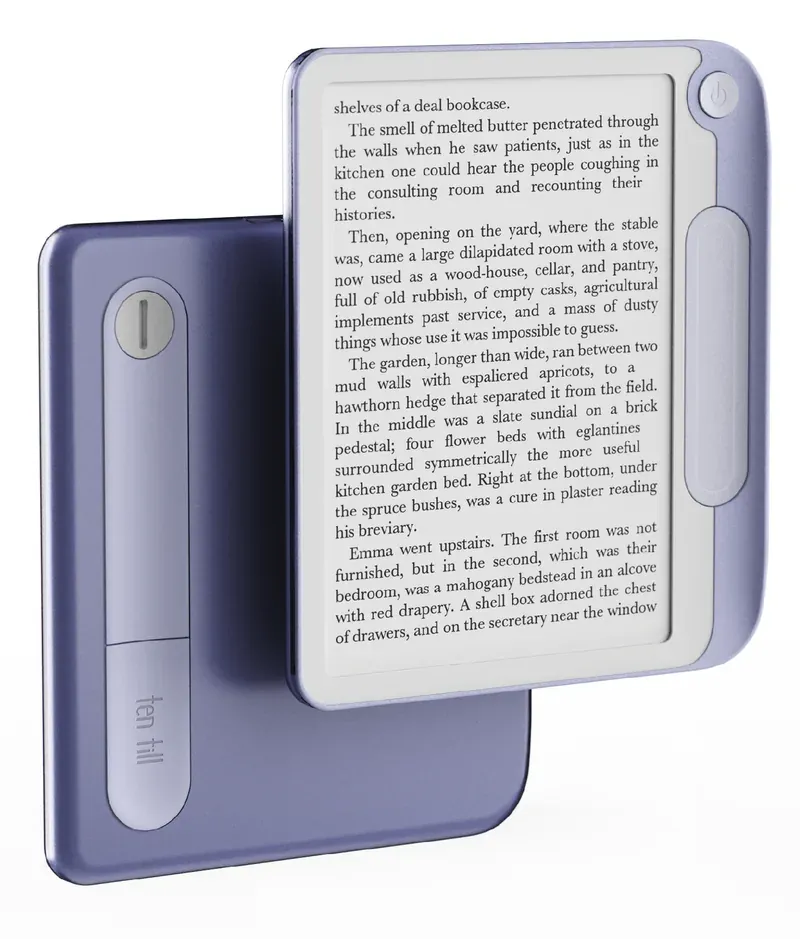 lavender
-
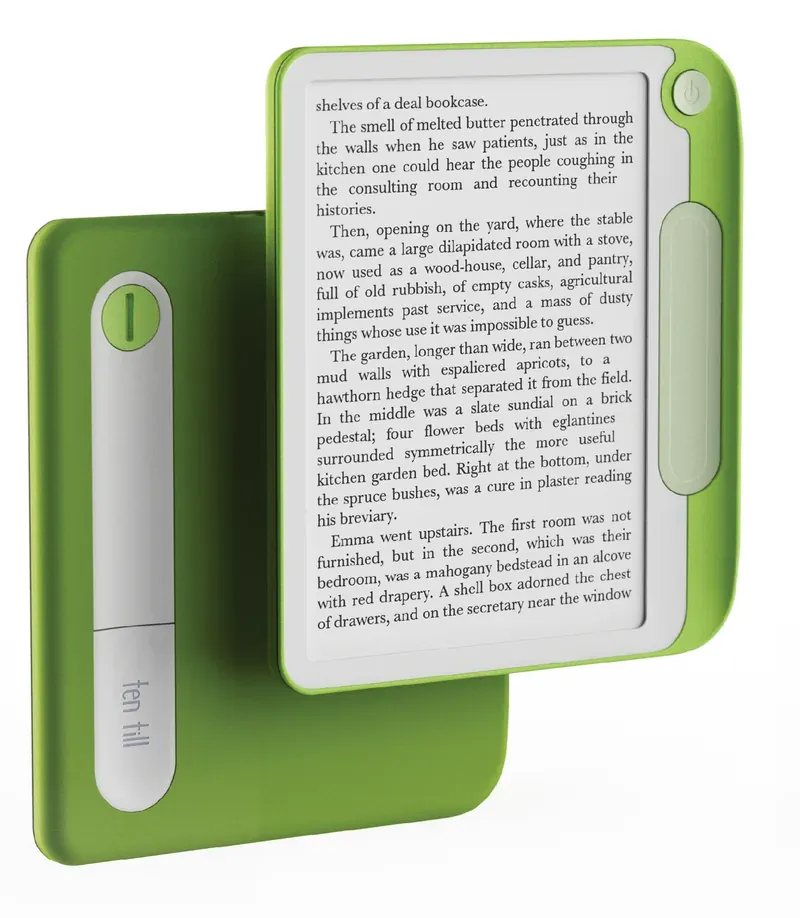 lime
-
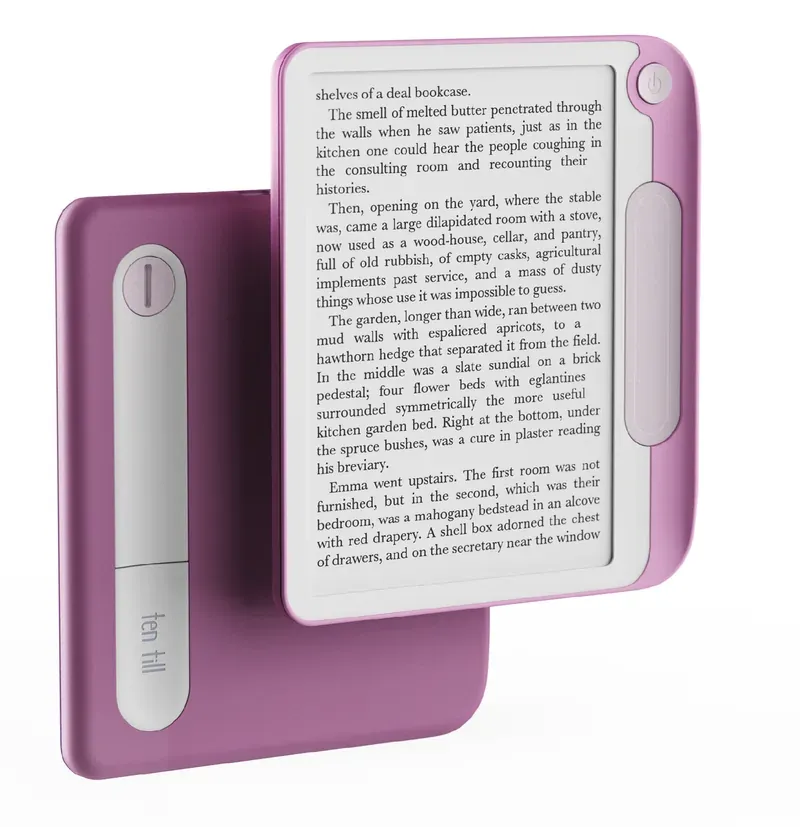 plum